
Most Xbox One games can be played on Xbox Series X and Series S, according to Microsoft’s backward compatibility catalog. For anyone upgrading from Xbox One, that makes an existing library a central part of the new-console decision. The important details are how you own the games, which hardware you choose and whether a title has specific support limitations.
What carries over from Xbox One?
Microsoft maintains a backward compatibility program that includes many Xbox One titles along with selected Xbox 360 and original Xbox games. Compatibility is attached to the specific game, so an entire generation’s catalog should not be treated as universally supported without checking.
Series X versus Series S: the disc question
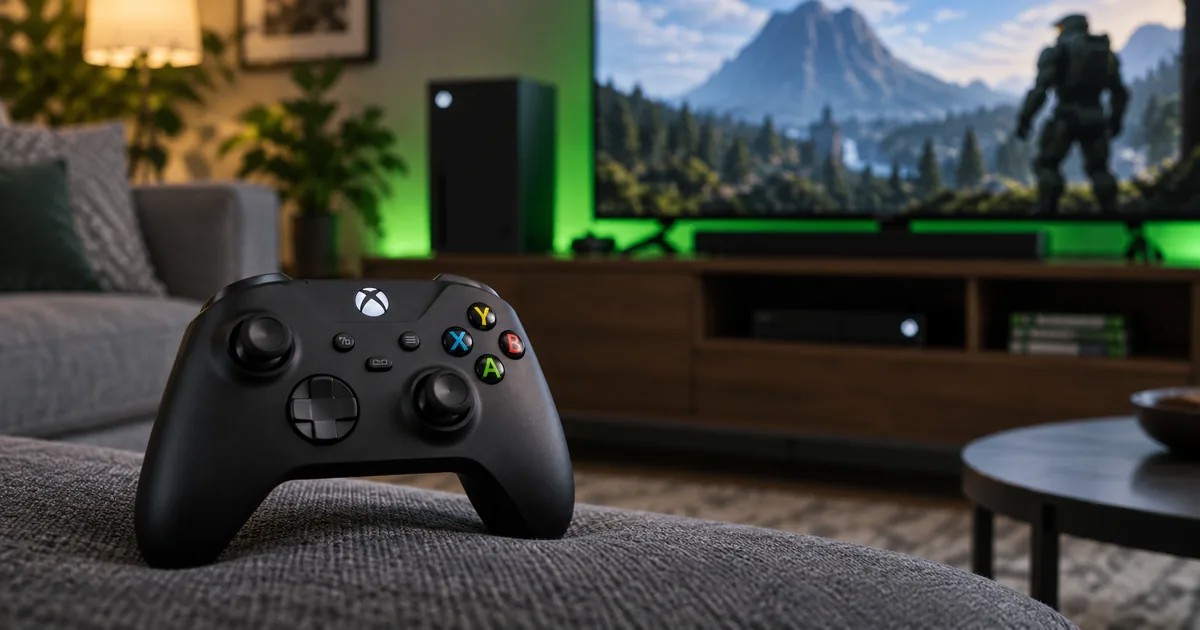
The biggest practical difference for existing physical collections is the disc drive. Xbox Series S is a digital-only console; it cannot read Xbox One game discs. Xbox Series X models with a compatible disc drive can use supported discs, subject to the game’s requirements. Players with mostly physical Xbox One purchases should check the exact model they plan to buy.
Do all Xbox One games get enhanced graphics?
No. Some compatible games offer improvements such as FPS Boost, HDR or other enhancements, while others simply run in backward compatibility mode. The enhancements listed in Xbox’s catalog apply to specific titles and devices. A game may also have an optimized edition released separately.
Does multiplayer automatically work across generations?
Not necessarily. Multiplayer servers, online features and cross-generation play depend on the game, publisher and service status. A backward-compatible single-player campaign is not proof that an older online service remains active. Check the game’s current product listing and service announcements.
What about Xbox 360 and original Xbox titles?
Microsoft’s catalog distinguishes Xbox One games, Xbox 360 games and original Xbox games. A selected title from an older generation may be supported, but the available catalog is narrower than every game ever released for those systems. Search the official database by game name instead of relying on generic compatibility claims.
What should upgrading players check?
Make a list of your most-played Xbox One titles, whether they are physical or digital, and whether you need online functionality. Check Microsoft’s catalog for each title, then consider whether you want a disc-drive model and whether specific games offer enhancements.
Official source
Xbox: official backward-compatible games catalog. This is a source-based explainer and does not claim hardware benchmark testing.