Demium Games
  • Home
  • Betting
    • Betting Sites
    • Online Casinos
    • Online Slots
  • News
  • Reviews
  • Game Guides
  • Esports
  • Platforms
    • Mobile Gaming
    • PC Gaming
    • PlayStation
    • Xbox
    • Nintendo Switch
  • Home
  • Betting
    • Betting Sites
    • Online Casinos
    • Online Slots
  • News
  • Reviews
  • Game Guides
  • Esports
  • Platforms
    • Mobile Gaming
    • PC Gaming
    • PlayStation
    • Xbox
    • Nintendo Switch
No Result
View All Result
Demium Games
No Result
View All Result
Home Game Guides Beginner Guides

Nintendo Switch 2 Backward Compatibility: What to Check Before Buying an Older Game

Oliver Hayes by Oliver Hayes
November 1, 2026
in Beginner Guides, Game Guides, Switch
0 0
0
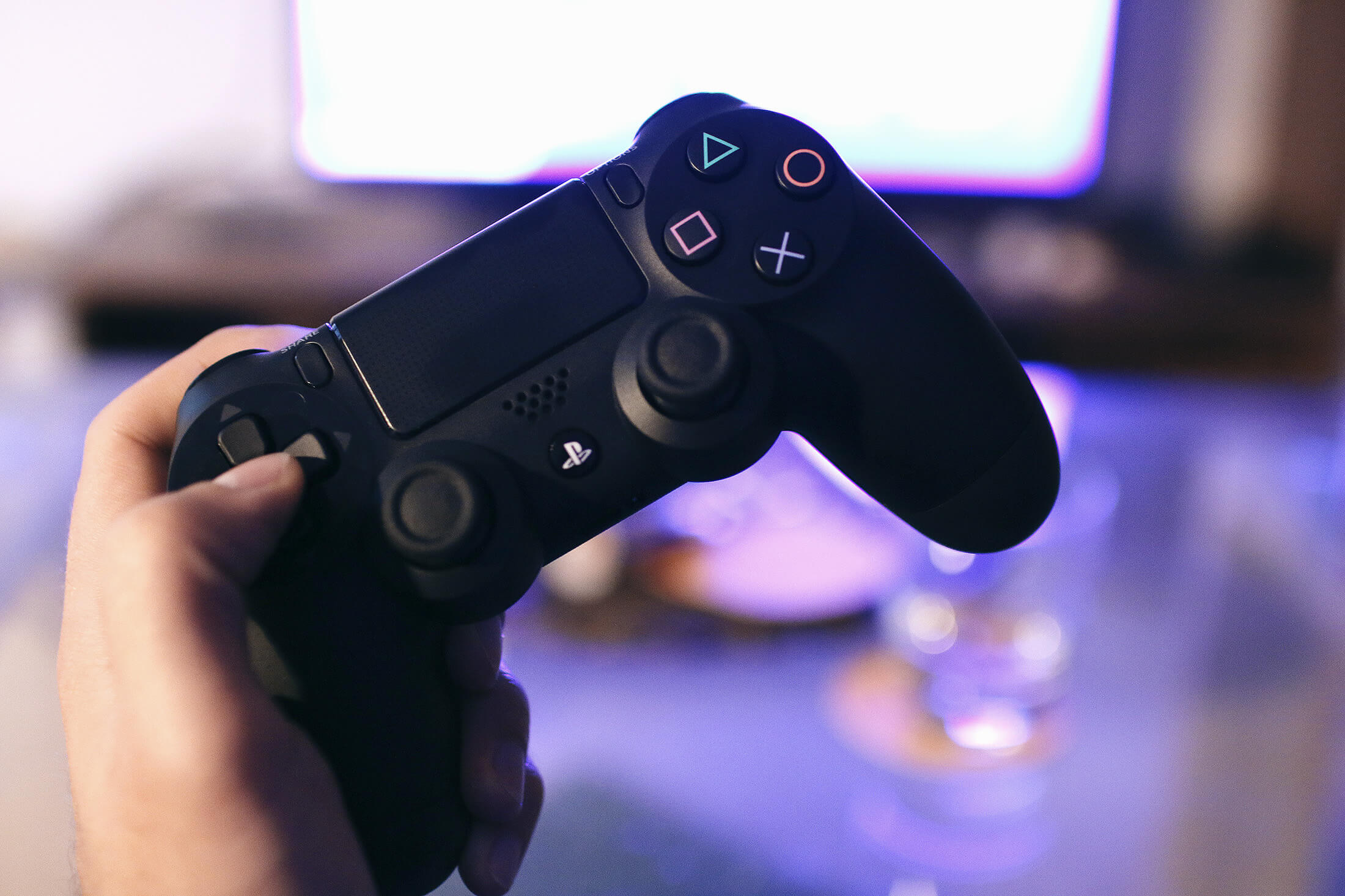
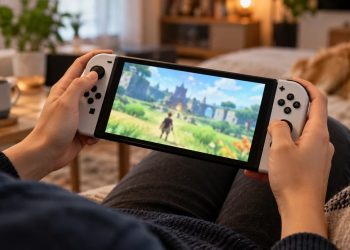
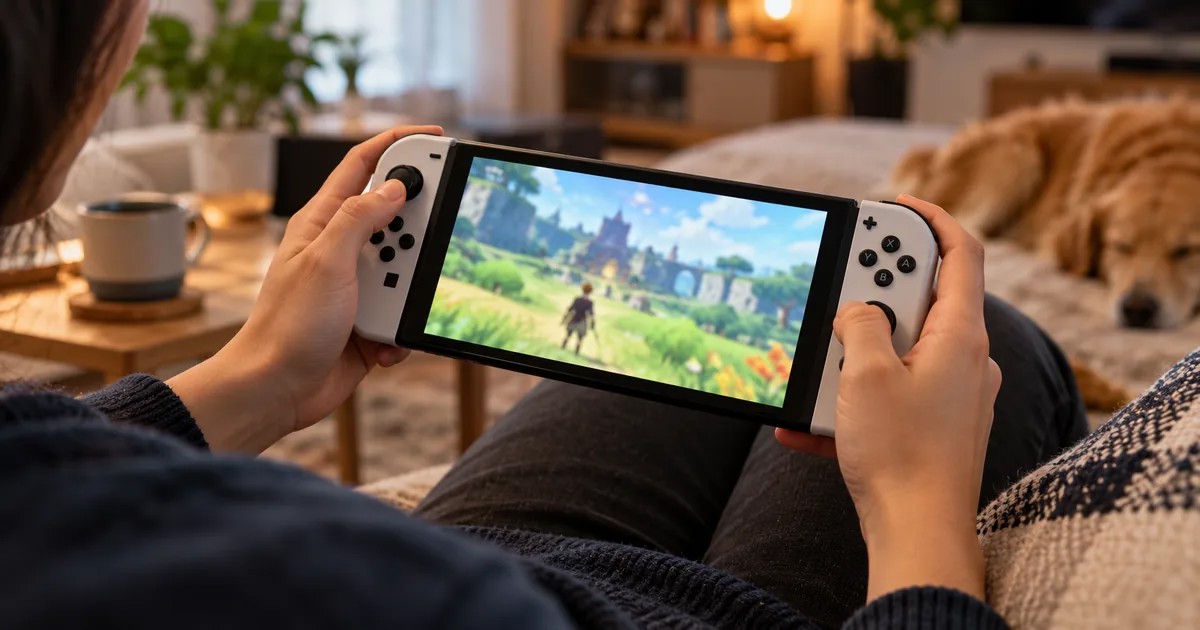
Photographic handheld Nintendo-style gaming console in a cozy room

One of the most useful features of Nintendo Switch 2 is its ability to play many games originally released for Nintendo Switch. That does not mean every older game is fully compatible, however. Nintendo advises customers to check individual titles before making a purchase for the newer system.

There are also differences between playing a standard Switch game, downloading a free update and buying a Switch 2 Edition upgrade. Here’s how to tell them apart.

Do Original Nintendo Switch Games Work on Switch 2?

According to Nintendo’s support documentation, Nintendo Switch 2 can play many compatible physical and digital Nintendo Switch games. Some titles are not supported or may have limited compatibility because the hardware differs from the original system.

That makes game-by-game verification important. A familiar title on a store shelf may work normally, require a particular controller or have a known technical limitation.

Check the Official Compatibility Listing

Before buying a physical copy or digital download, look up the exact game in Nintendo’s compatibility information. Check for notices concerning controls, functionality and any title-specific issues. Nintendo also advises contacting a third-party publisher for additional information about its games.

A compatibility entry is more useful than a general statement that Switch 2 plays Switch games, because individual software can behave differently.

Original Game vs. Free Update vs. Switch 2 Edition

These labels do not mean the same thing. An original Nintendo Switch game may simply run through backward compatibility. Some games receive a free update with improvements or additional support. Others offer a paid upgrade or a separate Nintendo Switch 2 Edition with new content or performance enhancements.

Read the relevant game listing and publisher notes before paying for an upgrade. An upgrade’s benefits are title-specific; owning an original game does not automatically include every enhancement.

Check Controllers and Accessories Too

Game compatibility is only one part of the equation. Some Nintendo Switch titles rely on specific Joy-Con features or accessories. Nintendo’s support pages explain that original Joy-Con can be paired wirelessly with Switch 2, but they cannot attach directly to the new console or be charged through it.

If a game uses motion, infrared or special controller features, check its requirements before purchasing. Families reusing an older collection should particularly check multiplayer setups that depend on multiple controllers.

A Practical Pre-Purchase Checklist

  1. Search for the exact game on Nintendo’s official compatibility page.
  2. Confirm whether you are buying a Switch game, Switch 2 game or Switch 2 Edition.
  3. Read any notices about limited support or game-specific problems.
  4. Confirm whether additional Joy-Con or other accessories are required.
  5. Review free-update and paid-upgrade details before spending extra.

The Bottom Line

Backward compatibility makes an existing Nintendo Switch library valuable on Switch 2, but the safest buying decision still happens game by game. Verify compatibility and controller requirements first, and treat upgraded editions as separate offerings with their own benefits.

Official sources: Nintendo Support — Compatibility of Nintendo Switch with Nintendo Switch 2 and Nintendo — Game Compatibility Search.

Share
Tweet
Previous Post

Steam Cloud Saves Explained: How PC Game Progress Syncs Between Computers

Oliver Hayes

Oliver Hayes

Oliver Hayes covers gaming features, game design and platform developments for Demium Games. His articles explore gameplay systems, progression mechanics, the evolution of game franchises and how design choices shape the player experience. He distinguishes confirmed product details from editorial interpretation and does not claim hands-on testing without documented play.

Leave a Reply Cancel reply

Your email address will not be published. Required fields are marked *

  • Trending
  • Comments
  • Latest
Illustration of Nintendo Switch Sports Resort sports and motion controls

Nintendo Switch Sports Resort: All 12 Sports and How the Motion Controls Work

November 1, 2026
Gaming controller representing cross-platform multiplayer and cross-play

Cross-Play vs Cross-Progression: What Gamers Need to Know

November 1, 2026
Gaming setup with computer and gaming equipment for choosing a gaming platform

How to Choose a Gaming Platform: PC, PlayStation, Xbox, Nintendo or Mobile

November 1, 2026
Illustration of Minecraft on Nintendo Switch 2 with vibrant visuals

Minecraft on Nintendo Switch 2: Vibrant Visuals, Free Upgrade and Edition Differences

November 1, 2026
Gaming setup with computer and gaming equipment for choosing a gaming platform

How to Choose a Gaming Platform: PC, PlayStation, Xbox, Nintendo or Mobile

0
Gaming controller representing cross-platform multiplayer and cross-play

Cross-Play vs Cross-Progression: What Gamers Need to Know

0
Illustration of Nintendo Switch Sports Resort sports and motion controls

Nintendo Switch Sports Resort: All 12 Sports and How the Motion Controls Work

0
Illustration of PlayStation Plus November 2026 monthly games

PlayStation Plus November 2026 Games: Dead Island 2, Tomb Raider and Monster Train 2

0
Photographic handheld Nintendo-style gaming console in a cozy room

Nintendo Switch 2 Backward Compatibility: What to Check Before Buying an Older Game

November 1, 2026
Photographic PC gaming setup with monitor and keyboard

Steam Cloud Saves Explained: How PC Game Progress Syncs Between Computers

November 1, 2026
Illustrative photo-style scene of playing mobile games on a smartphone beside a Windows laptop

Google Play Games on PC: Requirements, Save Sync and What Mobile Players Should Know

November 1, 2026
Photographic handheld Nintendo-style gaming console in a cozy room

Nintendo Switch Games on Switch 2: Compatibility and Upgrade Options

November 1, 2026

Recommended

Photographic handheld Nintendo-style gaming console in a cozy room

Nintendo Switch 2 Backward Compatibility: What to Check Before Buying an Older Game

November 1, 2026
Photographic PC gaming setup with monitor and keyboard

Steam Cloud Saves Explained: How PC Game Progress Syncs Between Computers

November 1, 2026
Illustrative photo-style scene of playing mobile games on a smartphone beside a Windows laptop

Google Play Games on PC: Requirements, Save Sync and What Mobile Players Should Know

November 1, 2026
Photographic handheld Nintendo-style gaming console in a cozy room

Nintendo Switch Games on Switch 2: Compatibility and Upgrade Options

November 1, 2026

About Us

Demium Games covers video game news, reviews, guides and gaming culture across PC, PlayStation, Xbox, Nintendo and mobile. We focus on clear reporting and useful editorial analysis. Read more

Categories

  • Beginner Guides
  • Game Guides
  • Gaming Features
  • Gaming News
  • Mobile Gaming
  • Mobile Gaming News
  • Nintendo News
  • PC
  • PlayStation News
  • PS4
  • Switch
  • Xbox One

Tags

Action Games Cross-Platform Cross-Play Game Design Game Guides Game Performance Game Releases Gaming Features Gaming News Minecraft Mobile Gaming Multiplayer Nintendo Switch PC Gaming PlayStation PlayStation Plus Sports Games Xbox
  • About Us
  • Advertise
  • Privacy Policy
  • Write For Us
  • Contact Us

© 2026 Demium Games. All Rights Reserved.

Welcome Back!

Login to your account below

Forgotten Password?

Retrieve your password

Please enter your username or email address to reset your password.

Log In
No Result
View All Result
  • Home
  • Betting
    • Betting Sites
    • Online Casinos
    • Online Slots
  • News
  • Reviews
  • Game Guides
  • Esports
  • Platforms
    • Mobile Gaming
    • PC Gaming
    • PlayStation
    • Xbox
    • Nintendo Switch

© 2026 Demium Games. All Rights Reserved.