

Choosing a gaming platform starts with the games you want to play, the people you play with, and your total budget—not a single specification. A PC, PlayStation, Xbox, Nintendo console or mobile device can all be the right choice for different players. This guide explains the trade-offs so you can make a practical decision.
Start With the Games You Actually Want
Make a list of five to ten games you expect to play over the next year. Check their official platform listings and release dates rather than assuming that every new release is available everywhere. Platform exclusivity, timed releases, backwards compatibility and regional availability can change which system fits your list.
If friends are central to your gaming, check whether each game supports cross-play and cross-progression. These features are not the same: cross-play allows people on different systems to play together; cross-progression may let you carry saves or account progress between supported systems.
PC Gaming: Flexibility and Upgrades
A gaming PC is often attractive to players who want adjustable graphics settings, multiple storefronts, keyboard-and-mouse controls, productivity software and hardware upgrades. You can choose components according to your priorities, from quiet performance to high-refresh-rate competitive play.
The trade-offs include a more complicated buying process, compatibility checks and occasional troubleshooting. Compare the full price of the machine and required peripherals—not just the graphics card. For an existing PC, check the official system requirements for your favorite games before buying new hardware.
PlayStation: A Console-First Experience
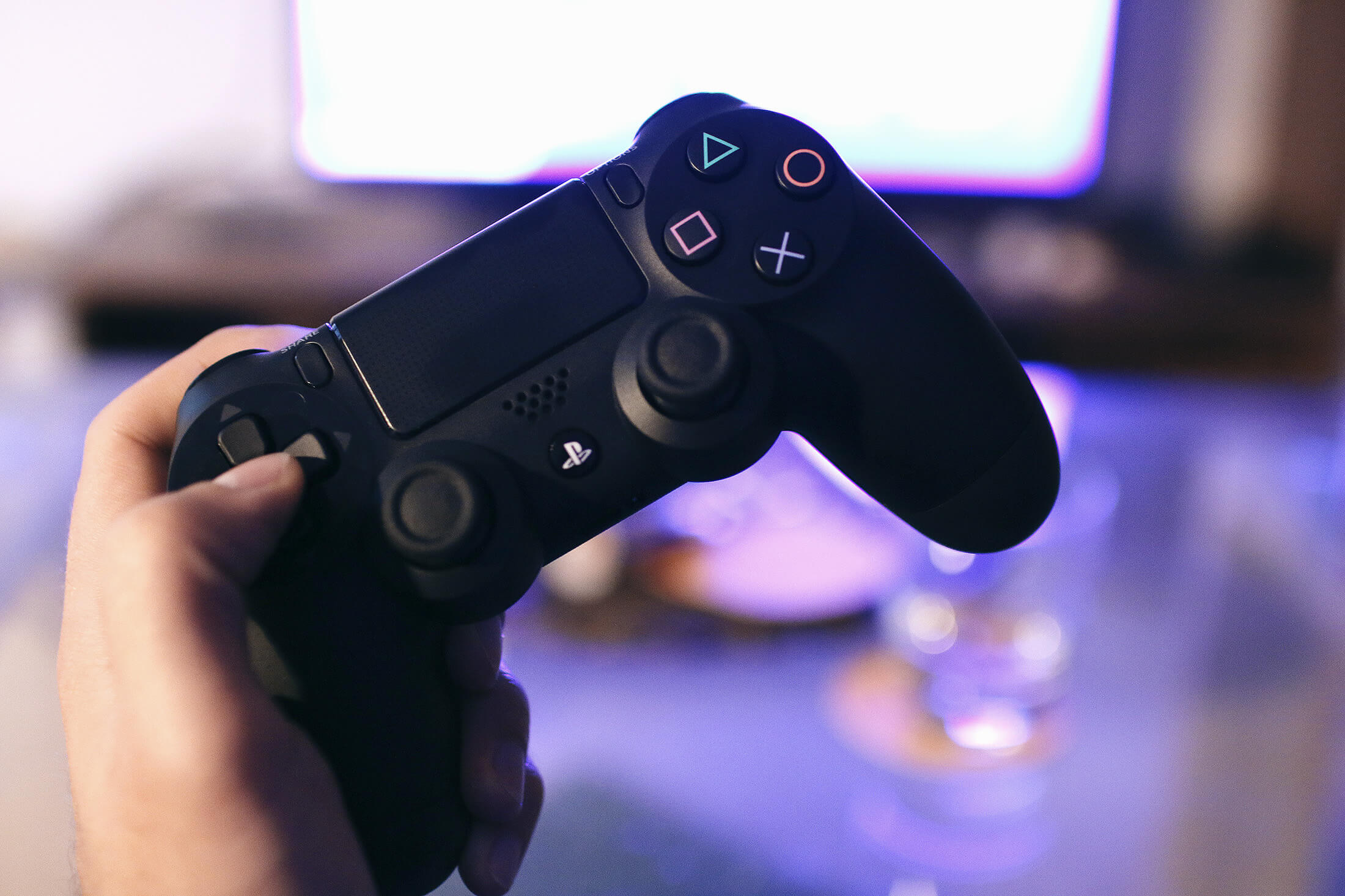
PlayStation suits players who prefer a dedicated living-room device and a streamlined console experience. Consider the particular games, controllers and online services that matter to you. Compare editions carefully, including whether physical discs are important to your household.
Do not choose a console solely because a title is associated with its brand; verify whether the specific game is exclusive, also available on PC, or supported on another console.
Xbox: Ecosystem and Compatibility
Xbox can make sense if your preferred games, friends and subscription options align with its ecosystem. Compare the precise console model, storage capacity and supported games rather than treating all Xbox hardware as interchangeable. Subscription catalogues, pricing and online-play requirements can change, so confirm the current terms with the provider.
Nintendo: Portability and Distinctive Games
Nintendo hardware is particularly worth considering if first-party Nintendo series, local multiplayer or portable play are your priority. Compare the specific console generation, game compatibility and controller options before buying. A newer device should not be assumed to support every older accessory or game without verification.
Mobile Gaming: Convenience and Low Barrier to Entry
Phones and tablets are convenient for short sessions and games designed around touch controls. You may already own capable hardware, but performance depends on the device, battery health, thermal management and available storage. Free-to-play titles may include optional purchases, advertising or recurring passes. Review those costs alongside the upfront device price.
Compare the Total Cost, Not Just the Hardware Price
- Hardware: console or PC, display, controller, headset and storage.
- Games: full-price purchases, expansions, downloadable content and optional subscriptions.
- Online features: check whether a paid plan is required for the multiplayer experiences you want.
- Household use: additional controllers, shared accounts and parental-control needs.
- Long-term value: repairs, upgrade options, warranty and potential resale value.
Which Platform Fits Your Play Style?
| Your priority | Good starting point | What to verify |
|---|---|---|
| Maximum graphics flexibility and upgrades | Gaming PC | Game requirements and full build cost |
| Simple living-room setup | PlayStation or Xbox | Game catalogue, edition and recurring charges |
| Nintendo franchises and flexible play locations | Nintendo console | Title compatibility and portability features |
| Short sessions on a device you already carry | Mobile | Device support and in-app spending |
| Playing with friends on another system | Any supported platform | Cross-play, cross-progression and voice-chat support |
Five Checks Before You Buy
For a detailed explanation of playing with friends across devices, browse our game guides. It explains which features let players connect and which allow saves to transfer.
- Confirm your must-play games on official publisher pages.
- Check multiplayer and cross-play support for the actual games your friends use.
- Calculate a first-year budget including games, accessories and subscriptions.
- Compare screen, desk or TV requirements with your available space.
- Read independent performance reviews for the exact device or configuration.
Frequently Asked Questions
Is a gaming PC always better than a console?
No. A capable PC offers more customization, but a console may deliver a simpler experience at a more predictable upfront price. The right answer depends on your preferred games and budget.
Can PlayStation, Xbox and PC players play together?
Sometimes. Cross-play is determined by the game and can vary by game mode and account settings. Check the publisher’s current documentation.
Should I buy based on a subscription service?
Consider subscriptions as one factor. Their game catalogues and terms change, while the games you personally want to play may be available through direct purchases.
Bottom Line
Start with your game library and social circle, then compare total cost and usability. There is no universal winner: the best gaming platform is the one that makes your preferred games easier to enjoy without spending more than you planned.