Demium Games
  • Home
  • Betting
    • Betting Sites
    • Online Casinos
    • Online Slots
  • News
  • Reviews
  • Game Guides
  • Esports
  • Platforms
    • Mobile Gaming
    • PC Gaming
    • PlayStation
    • Xbox
    • Nintendo Switch
  • Home
  • Betting
    • Betting Sites
    • Online Casinos
    • Online Slots
  • News
  • Reviews
  • Game Guides
  • Esports
  • Platforms
    • Mobile Gaming
    • PC Gaming
    • PlayStation
    • Xbox
    • Nintendo Switch
No Result
View All Result
Demium Games
No Result
View All Result
Home Game Guides Beginner Guides

How to Play Clash of Clans on PC and Keep Your Existing Village

Ethan Brooks by Ethan Brooks
November 2, 2026
in Beginner Guides, Game Guides, Mobile Gaming
0 0
0
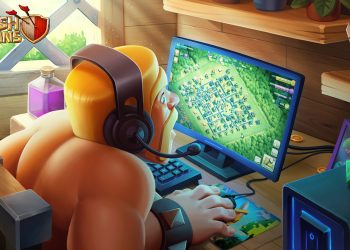
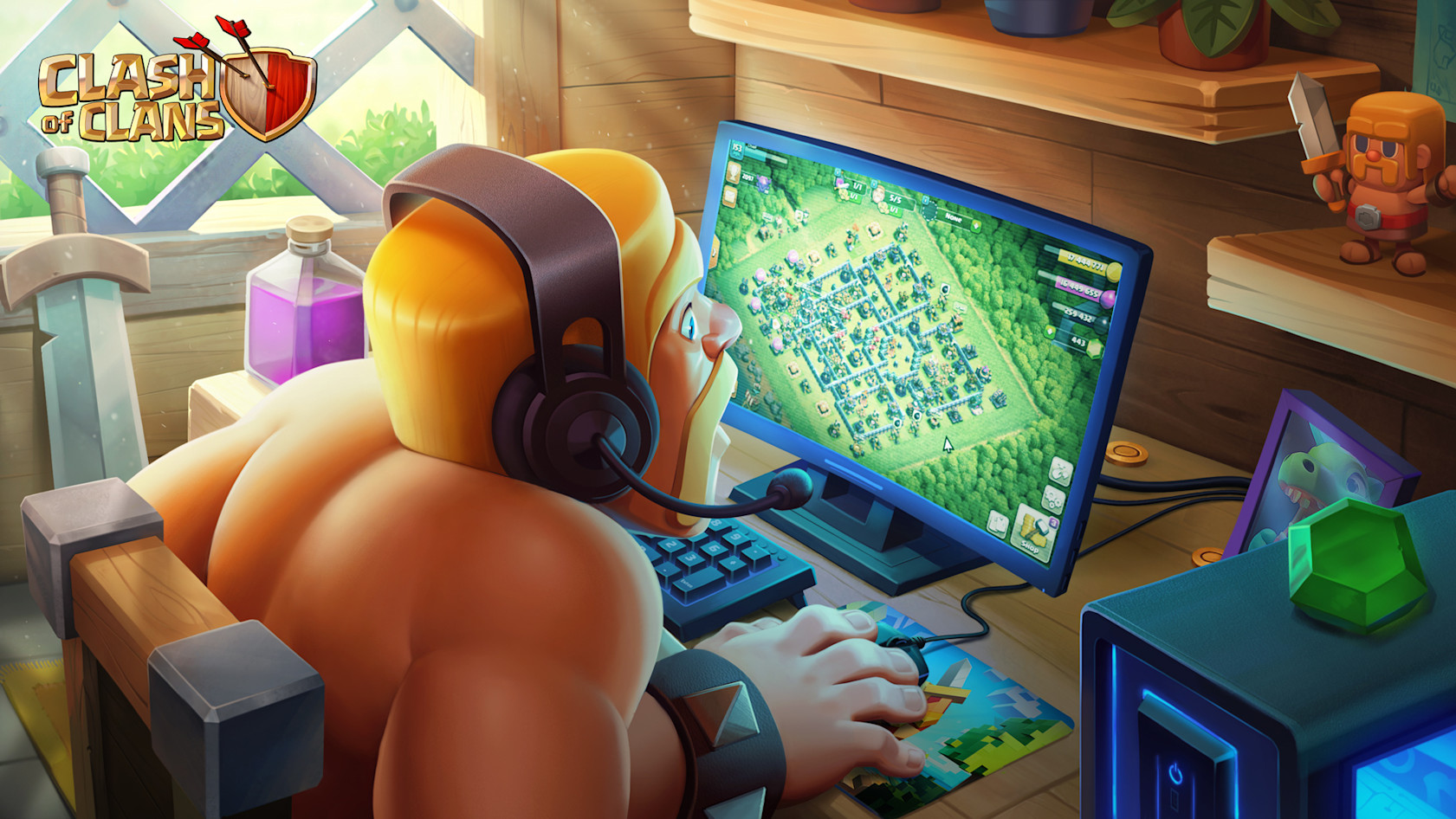
Official Supercell promotional image for the launch of Clash of Clans and Clash Royale on PC

The officially supported route for playing Clash of Clans on a Windows PC is Google Play Games on PC. To continue an existing village, connect the correct Supercell ID inside the game. Installing the PC application and signing into Google are not substitutes for identifying the Supercell account that holds your progress.

This is a source-based setup guide, checked against Google and Supercell documentation on November 1, 2026. It does not claim an in-house performance test or promise that every PC configuration will run the game well.

What version are you installing?

Supercell Support explains that the Windows Google Play Games application uses the Android versions of Clash of Clans and Clash Royale. This is not a separate village-management game with an independent campaign.

Supercell’s official PC announcement confirms mouse controls, cross-platform play and the ability to continue progress through Supercell ID. It also states that opening the same account on another device logs out the previous session. Switching devices is supported; simultaneous play on one account is not.

1. Check the village on your original device first

Open the village you want to keep and check its Supercell ID connection in the game’s settings. Supercell’s account guide explains where to start linking an account and how one ID can connect supported games.

Before doing anything on the new computer, note the village name and player tag. This is our suggested safety check: it gives you a simple way to distinguish the expected village from a fresh account later. Do not uninstall the mobile game as part of this setup process.

2. Check the Windows PC requirements

Google’s published minimum requirements include Windows 10 version 2004, an SSD with 10 GB free, 8 GB RAM, four physical CPU cores and graphics comparable to Intel UHD Graphics 630. Hardware virtualization and a Windows administrator account are also required. Meeting that baseline is not a guarantee of a particular frame rate.

For the platform-wide checks, read our Google Play Games on PC requirements guide. Recheck Google’s requirements before installation rather than relying on the age or branding of your computer.

3. Install through the official Google application

Visit Google Play Games on PC, install the application and follow its sign-in prompts. Search the PC catalog for Clash of Clans and verify that the listing is the Supercell game before installing. Google’s official PC catalog includes the title; availability still depends on your region and compatible device.
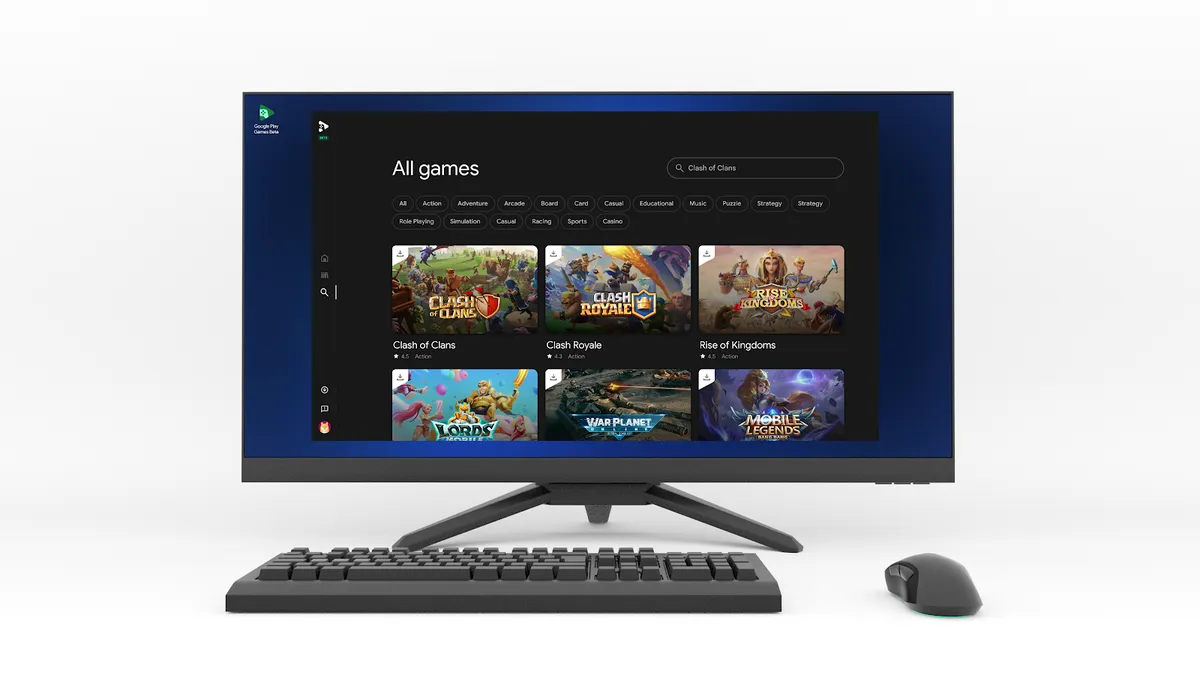
Google Play Games on PC catalog search in Google's official reference image
Source: Google. This 2023 catalog-search reference illustrates finding a game in the PC application. The current interface may differ; this is not a screenshot captured by Demium Games.

A website offering a separate unofficial executable is not the installation route described in this guide. Keep the download and account-verification steps within Google’s and Supercell’s own services.

4. Load the correct Supercell ID

Launch the game, open its settings and follow the Supercell ID sign-in flow for the account connected to your mobile village. Supercell describes its ID system as the way to recover progress on a new device and to switch between multiple game accounts.

Before continuing play, compare the village name and player tag with your original device. If the PC shows an unfamiliar new village, pause rather than assuming that the original village has disappeared. Recheck which Supercell ID you used. Never send a verification code to someone offering to “transfer” the account for you.

When something does not match

The game is absent from search: check the local catalog and computer eligibility. The application will not install: return to Google’s system requirements and installation help. The wrong village appears: review the account connection on the original device. These are different problems; reinstalling everything at once makes them harder to isolate.

If account recovery is needed, use Supercell’s official support process. We do not recommend deleting progress, purchasing another person’s account or using a third party to bypass verification.

Does PC play cost extra?

Supercell describes Clash of Clans on PC as free to play with optional in-game purchases, like the mobile version. That is not a promise that every item is free. Confirm the item, account and displayed price before making a purchase.

For the distinction between playing together and moving progress, read our cross-play versus cross-progression guide. Here, the important practical point is to verify the existing Supercell ID before changing devices.

Sources and image credit

Sources: Supercell’s PC launch FAQ, Supercell ID, Supercell Support and Google’s PC requirements. Featured image: official Supercell PC launch artwork from 2023; body image: Google. Neither image represents our own gameplay capture.


Tags: Clash of ClansCross-PlatformMobile Gaming
Share
Tweet
Previous Post

Hades II Controller Not Working on PC? Steam Input and Bluetooth Checks

Ethan Brooks

Ethan Brooks

Ethan Brooks covers gaming news, esports, and industry developments for Demium Games. His articles focus on clearly explaining announcements, game updates, competitive events, and changes affecting players. His reporting prioritizes primary sources, accurate context, and transparent attribution.

Leave a Reply Cancel reply

Your email address will not be published. Required fields are marked *

  • Trending
  • Comments
  • Latest
Illustrated editorial banner for Hades II review featuring fantasy combat art and Demium Games 8.8 out of 10 assessment

Hades II Review (2026): Combat, Progression, Story and Our 8.8/10 Verdict

November 1, 2026
Illustration of Nintendo Switch Sports Resort sports and motion controls

Nintendo Switch Sports Resort: All 12 Sports and How the Motion Controls Work

November 1, 2026
Phantom Blade Zero actual gameplay scene showcasing combat parry

Phantom Blade Zero Review (2026): Combat, Bosses, Story and Verdict

November 1, 2026
Gaming controller representing cross-platform multiplayer and cross-play

Cross-Play vs Cross-Progression: What Gamers Need to Know

November 1, 2026
Gaming setup with computer and gaming equipment for choosing a gaming platform

How to Choose a Gaming Platform: PC, PlayStation, Xbox, Nintendo or Mobile

0
Gaming controller representing cross-platform multiplayer and cross-play

Cross-Play vs Cross-Progression: What Gamers Need to Know

0
Illustration of Nintendo Switch Sports Resort sports and motion controls

Nintendo Switch Sports Resort: All 12 Sports and How the Motion Controls Work

0
Illustration of PlayStation Plus November 2026 monthly games

PlayStation Plus November 2026 Games: Dead Island 2, Tomb Raider and Monster Train 2

0
Official Supercell promotional image for the launch of Clash of Clans and Clash Royale on PC

How to Play Clash of Clans on PC and Keep Your Existing Village

November 2, 2026
Official Hades II character artwork published by Supergiant Games on the game's Steam page

Hades II Controller Not Working on PC? Steam Input and Bluetooth Checks

November 2, 2026
Phantom Blade Zero actual gameplay scene showcasing combat parry

Phantom Blade Zero Review (2026): Combat, Bosses, Story and Verdict

November 1, 2026
Illustrated editorial banner for Hades II review featuring fantasy combat art and Demium Games 8.8 out of 10 assessment

Hades II Review (2026): Combat, Progression, Story and Our 8.8/10 Verdict

November 1, 2026

Recommended

Official Supercell promotional image for the launch of Clash of Clans and Clash Royale on PC

How to Play Clash of Clans on PC and Keep Your Existing Village

November 2, 2026
Official Hades II character artwork published by Supergiant Games on the game's Steam page

Hades II Controller Not Working on PC? Steam Input and Bluetooth Checks

November 2, 2026
Phantom Blade Zero actual gameplay scene showcasing combat parry

Phantom Blade Zero Review (2026): Combat, Bosses, Story and Verdict

Illustrated editorial banner for Hades II review featuring fantasy combat art and Demium Games 8.8 out of 10 assessment

Hades II Review (2026): Combat, Progression, Story and Our 8.8/10 Verdict

About Us

Demium Games covers video game news, reviews, guides and gaming culture across PC, PlayStation, Xbox, Nintendo and mobile. We focus on clear reporting and useful editorial analysis. Read more

Categories

  • Beginner Guides
  • Game Guides
  • Game Reviews
  • Game Tips & Tricks
  • Gaming Features
  • Gaming News
  • Mobile Gaming
  • Mobile Gaming News
  • Nintendo News
  • PC
  • PC Reviews
  • PlayStation News
  • PlayStation Reviews
  • PS4
  • Switch
  • Xbox One

Tags

Action Games Action Roguelike Clash of Clans Cross-Platform Cross-Play Game Design Game Guides Game Performance Game Releases Game Reviews Gaming Features Gaming News Hades II Minecraft Mobile Gaming Multiplayer Nintendo Switch PC Gaming PlayStation PlayStation Plus Sports Games Xbox
  • About Us
  • Advertise
  • Privacy Policy
  • Write For Us
  • Contact Us

© 2026 Demium Games. All Rights Reserved.

Welcome Back!

Login to your account below

Forgotten Password?

Retrieve your password

Please enter your username or email address to reset your password.

Log In
No Result
View All Result
  • Home
  • Betting
    • Betting Sites
    • Online Casinos
    • Online Slots
  • News
  • Reviews
  • Game Guides
  • Esports
  • Platforms
    • Mobile Gaming
    • PC Gaming
    • PlayStation
    • Xbox
    • Nintendo Switch

© 2026 Demium Games. All Rights Reserved.