

Most PlayStation 4 games can be played on PlayStation 5, which means a PS4 library can remain useful long after moving to newer hardware. Sony says the overwhelming majority of the more than 4,000 PS4 games are compatible, but that does not mean every game or feature works identically.
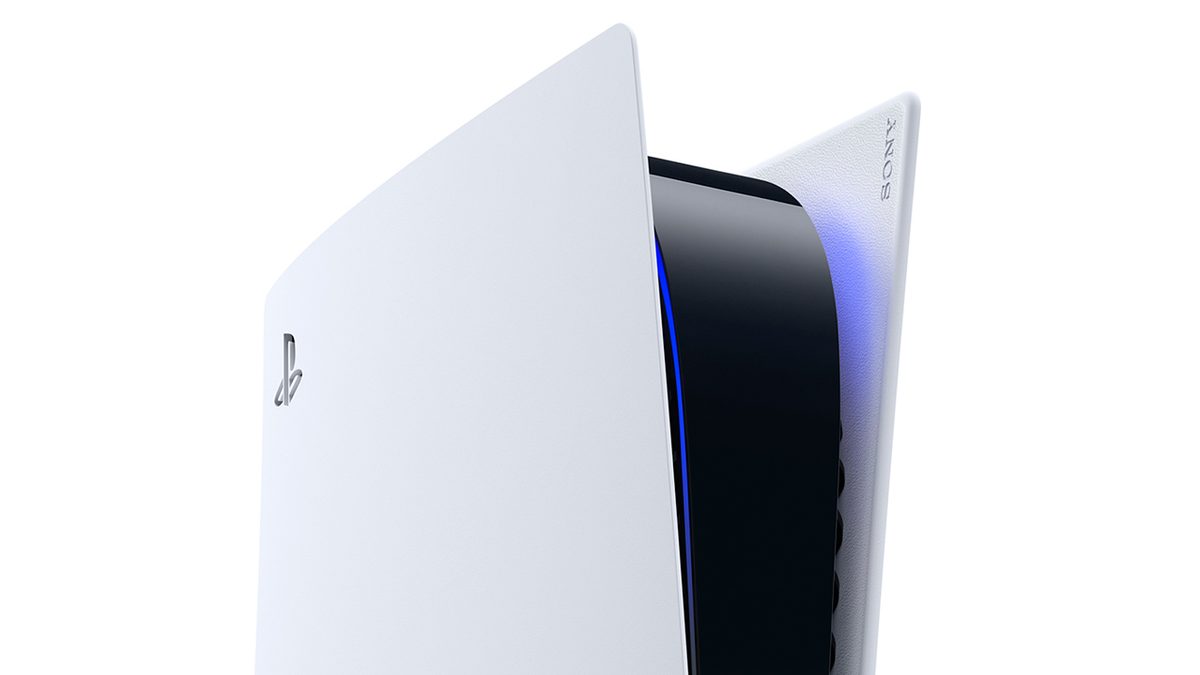
What does PS4 backward compatibility mean?
Backward compatibility allows a supported PS4 game to run on a PS5 console. The game remains the PS4 version unless there is a separate native PS5 version or an upgrade. This distinction matters because a PS4 game running on newer hardware does not automatically receive every feature found in a dedicated PS5 release.
What is PS5 Game Boost?
Sony says select supported PS4 titles may benefit from Game Boost, potentially producing higher or smoother frame rates. It is not an across-the-board promise of 60 fps or a specific resolution. Whether the change is noticeable depends on the game and how its performance limits were designed.
Are physical PS4 discs supported?
Disc-based games require compatible hardware with a disc drive. A digital-only console cannot accept a PS4 disc. Players should check the edition of their PS5 before purchasing a physical PS4 game with the expectation of playing it there.
Can features behave differently?
Yes. Sony cautions that some PS4 features may be absent when a game runs on PS5, and some games may encounter errors or unexpected behavior. Extra hardware requirements also matter for certain PlayStation VR experiences. The safest approach is to check official support information and test existing games before spending money on add-ons.
What about saves and upgrades?
Save transfer and upgrades depend on the title and its supported methods. Moving between PS4 and PS5 versions may involve a different save-transfer process than continuing with the backward-compatible PS4 edition. Check the developer’s guidance before deleting an existing installation or save.
Should you keep your PS4 games?
For players with an existing library, backward compatibility preserves access to many older experiences. Before upgrading hardware, identify the games you care about most, check whether their specific releases are supported and decide whether a native PS5 upgrade is worth the additional cost.
PS4-to-PS5 Upgrade Checklist
- Check whether the specific PS4 game is supported on PS5 using PlayStation’s compatibility guidance.
- For disc ownership, confirm that your PS5 model has a compatible disc drive; a disc cannot be inserted into a digital-only console.
- For digital ownership, sign into the account that owns the game and locate it in your library.
- Check the game’s own upgrade entitlement. Playing a PS4 version through backward compatibility is not the same as owning a native PS5 edition.
- Before moving progress, check the publisher’s save-transfer instructions. Some games support transfer automatically; others require an in-game export or do not support it.
Will Game Boost Improve Every PS4 Game?
No universal improvement is guaranteed. PlayStation describes Game Boost as a feature that may provide improved or smoother performance in selected titles. Results depend on the individual game and its implementation, not merely on the age of your PS5 hardware. Check publisher patch notes before expecting a higher frame rate.
Related reading: For a broader buying decision, see How to Choose a Gaming Platform.
Official source
PlayStation Support: PS4 games playable on PS5 consoles. Compatibility can change, so verify individual titles at purchase time.