Demium Games
  • Home
  • Betting
    • Betting Sites
    • Online Casinos
    • Online Slots
  • News
  • Reviews
  • Game Guides
  • Esports
  • Platforms
    • Mobile Gaming
    • PC Gaming
    • PlayStation
    • Xbox
    • Nintendo Switch
  • Home
  • Betting
    • Betting Sites
    • Online Casinos
    • Online Slots
  • News
  • Reviews
  • Game Guides
  • Esports
  • Platforms
    • Mobile Gaming
    • PC Gaming
    • PlayStation
    • Xbox
    • Nintendo Switch
No Result
View All Result
Demium Games
No Result
View All Result
Home PC

PC Gaming in 2026: What Steam Families Means for Sharing Games

Howell by Howell
November 1, 2026
in PC
0 0
0
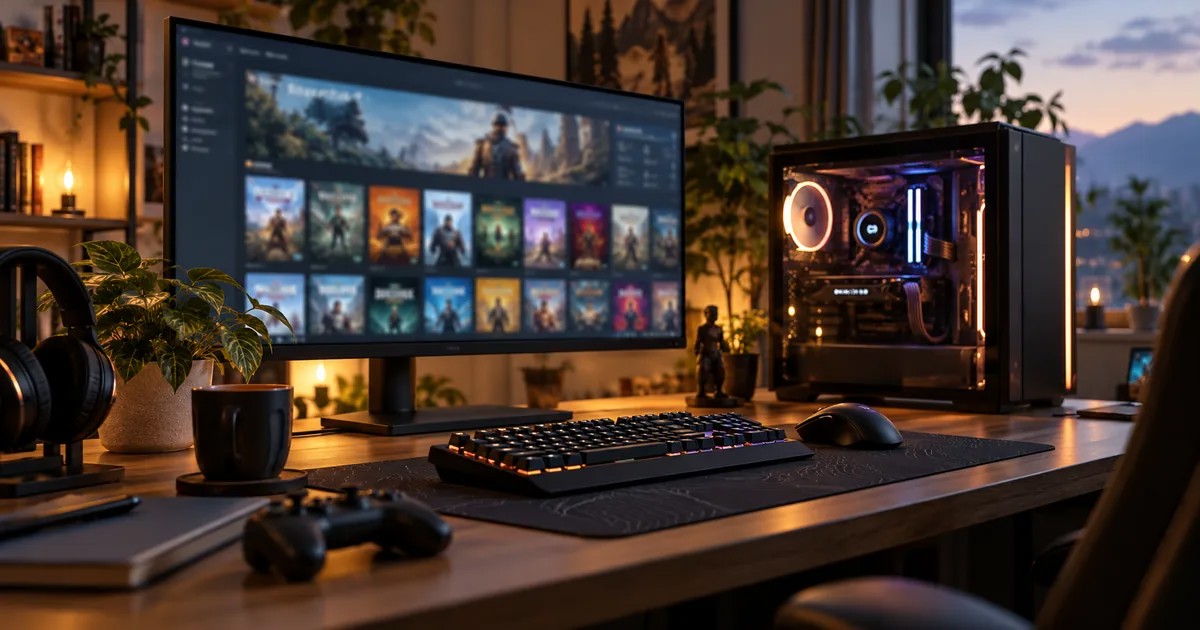
Photographic PC gaming setup with monitor and keyboard

Building a PC game library has always involved more than buying hardware. For households sharing one gaming setup—or several computers—Steam Families changes how eligible games can be shared across family accounts. It combines family sharing and parental controls in one system, but it is not a universal free copy of every game.

What is Steam Families?

Steam Families is Valve’s family-oriented library and management feature. Family members maintain their own Steam accounts and personal saves, achievements and game progress. Eligible titles owned by family members can be made accessible through the shared family library, subject to Valve’s rules and publisher restrictions.

Can two people play at the same time?

The key distinction is between two people accessing a library and two people playing the same copy of a game. Steam Families allows simultaneous use of different available games, but a household needs an appropriate number of copies for concurrent play of the same game. For example, one owned copy does not automatically enable two simultaneous sessions of that title.

Which games can be shared?

Not every title participates. Games needing third-party accounts or subscriptions, publisher-disabled sharing and other exceptions may be unavailable. Always inspect the game’s eligibility rather than assuming that every purchase will appear for everyone in the family.

What happens to saves and achievements?

Accounts keep separate saves and achievement progress. This is especially useful when the same PC is used by people with different skill levels or completion goals. The person playing can make progress without overwriting another person’s playthrough.

Parental controls and invitations

Valve provides controls for adults managing child accounts, including access to games and other permissions. Joining or leaving a Steam Family can involve eligibility checks and cooldowns. Review the rules before inviting accounts, especially if family members are not part of the same household.

What PC players should verify first

Confirm your Steam account is eligible, each game participates in sharing, the household has enough copies for the intended simultaneous play and any parental restrictions are appropriate. It is also worth checking how a title handles third-party launchers and online accounts.

What to Check Before Inviting Family Members

Valve intends Steam Families for up to six close household members. Confirm that each person has a separate Steam account, that any game you intend to share is eligible, and that the family understands restrictions on concurrent use of a single title. Accounts keep their own save files and achievements.

For details about moving saves between computers, read our Steam Cloud guide. Access to a shared game and synchronization of saves are different features.

Official source

Valve: Steam Families announcement and functionality. This article is a guide based on published functionality, not a hands-on compatibility test of every title.


Tags: Game GuidesMultiplayerPC Gaming
Share
Tweet
Previous Post

Minecraft on Nintendo Switch 2: Vibrant Visuals, Free Upgrade and Edition Differences

Next Post

PS4 Games on PS5: Backward Compatibility and Game Boost Explained

Howell

Howell

Howell writes about video games, gaming platforms and the technologies that connect players. His editorial interests include PC and console gaming, multiplayer systems, game mechanics and technical explainers. At Demium Games, he focuses on making complex gaming topics easier to understand through clear explanations, practical comparisons and verifiable information.

Next Post
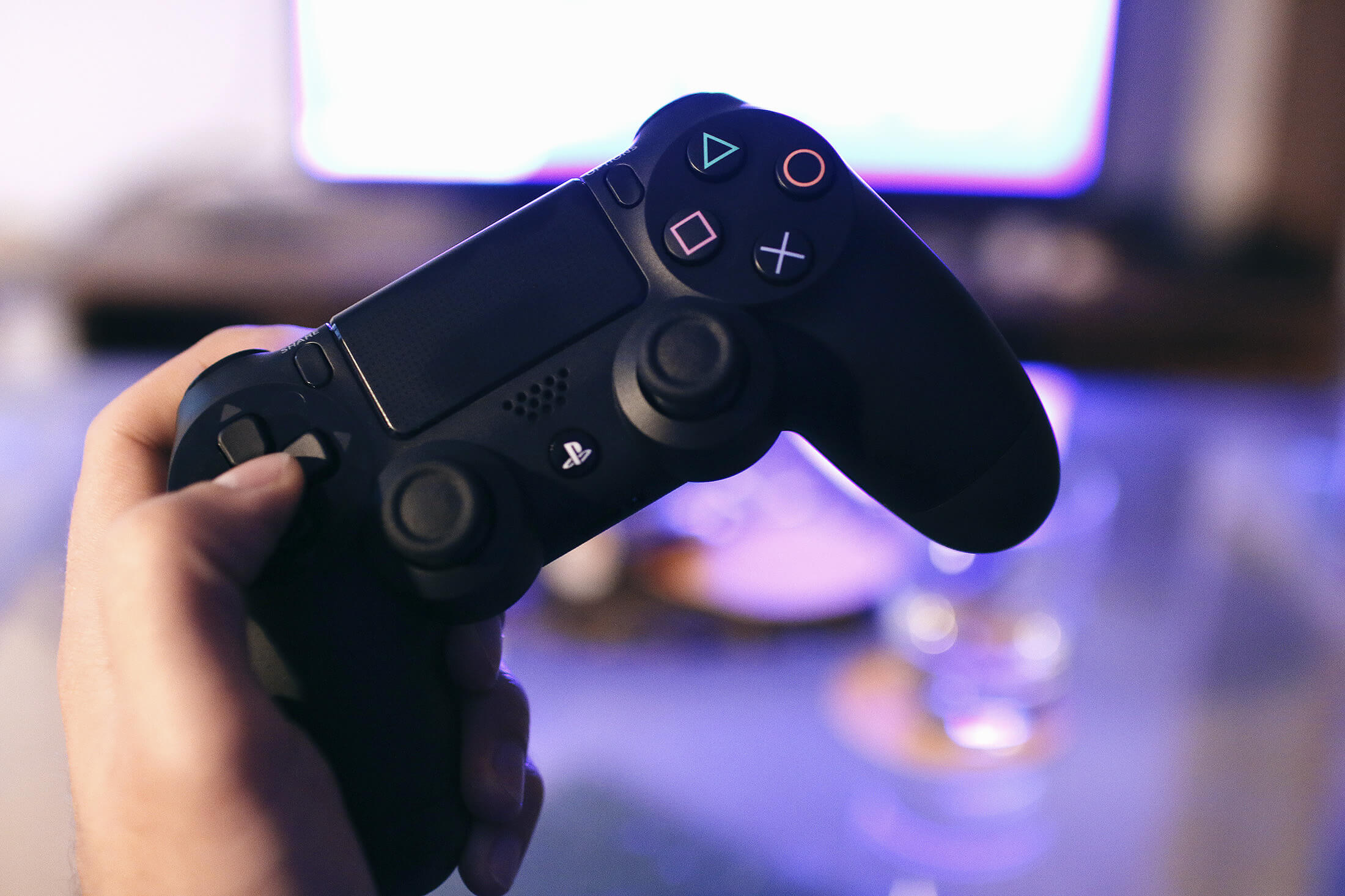
Photographic PlayStation controller and television gaming setup

PS4 Games on PS5: Backward Compatibility and Game Boost Explained

Leave a Reply Cancel reply

Your email address will not be published. Required fields are marked *

  • Trending
  • Comments
  • Latest
Illustrated editorial banner for Hades II review featuring fantasy combat art and Demium Games 8.8 out of 10 assessment

Hades II Review (2026): Combat, Progression, Story and Our 8.8/10 Verdict

November 1, 2026
Illustration of Nintendo Switch Sports Resort sports and motion controls

Nintendo Switch Sports Resort: All 12 Sports and How the Motion Controls Work

November 1, 2026
Phantom Blade Zero actual gameplay scene showcasing combat parry

Phantom Blade Zero Review (2026): Combat, Bosses, Story and Verdict

November 1, 2026
Gaming controller representing cross-platform multiplayer and cross-play

Cross-Play vs Cross-Progression: What Gamers Need to Know

November 1, 2026
Gaming setup with computer and gaming equipment for choosing a gaming platform

How to Choose a Gaming Platform: PC, PlayStation, Xbox, Nintendo or Mobile

0
Gaming controller representing cross-platform multiplayer and cross-play

Cross-Play vs Cross-Progression: What Gamers Need to Know

0
Illustration of Nintendo Switch Sports Resort sports and motion controls

Nintendo Switch Sports Resort: All 12 Sports and How the Motion Controls Work

0
Illustration of PlayStation Plus November 2026 monthly games

PlayStation Plus November 2026 Games: Dead Island 2, Tomb Raider and Monster Train 2

0
Official Xbox screenshot illustrating the compatibility settings discussed in the FPS Boost announcement

Xbox Smart Delivery Explained: Free Upgrades, Backward Compatibility and Game Versions

November 3, 2026
Official Supercell promotional image for the launch of Clash of Clans and Clash Royale on PC

How to Play Clash of Clans on PC and Keep Your Existing Village

November 2, 2026
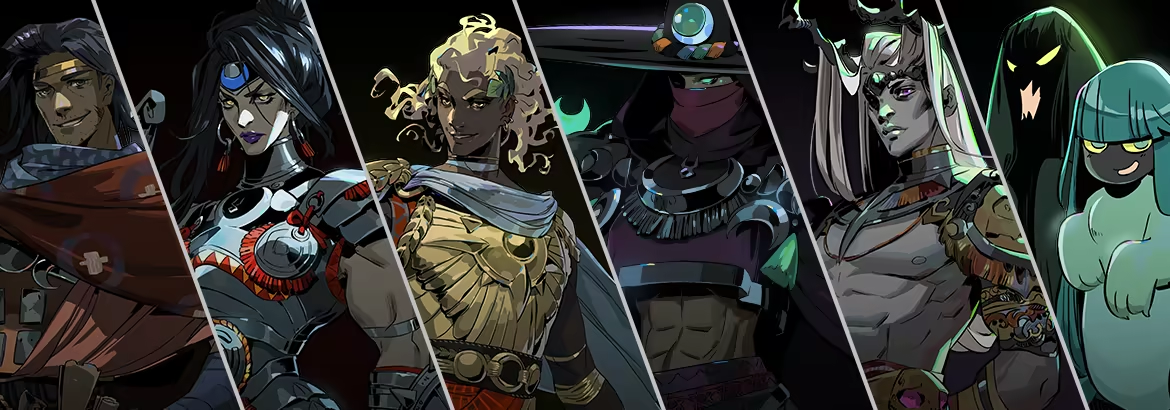
Official Hades II character artwork published by Supergiant Games on the game's Steam page

Hades II Controller Not Working on PC? Steam Input and Bluetooth Checks

November 2, 2026
Phantom Blade Zero actual gameplay scene showcasing combat parry

Phantom Blade Zero Review (2026): Combat, Bosses, Story and Verdict

November 1, 2026

Recommended

Official Xbox screenshot illustrating the compatibility settings discussed in the FPS Boost announcement

Xbox Smart Delivery Explained: Free Upgrades, Backward Compatibility and Game Versions

November 3, 2026
Official Supercell promotional image for the launch of Clash of Clans and Clash Royale on PC

How to Play Clash of Clans on PC and Keep Your Existing Village

November 2, 2026
Official Hades II character artwork published by Supergiant Games on the game's Steam page

Hades II Controller Not Working on PC? Steam Input and Bluetooth Checks

November 2, 2026
Phantom Blade Zero actual gameplay scene showcasing combat parry

Phantom Blade Zero Review (2026): Combat, Bosses, Story and Verdict

About Us

Demium Games covers video game news, reviews, guides and gaming culture across PC, PlayStation, Xbox, Nintendo and mobile. We focus on clear reporting and useful editorial analysis. Read more

Categories

  • Beginner Guides
  • Game Guides
  • Game Reviews
  • Game Tips & Tricks
  • Gaming Features
  • Gaming News
  • Mobile Gaming
  • Mobile Gaming News
  • Nintendo News
  • PC
  • PC Reviews
  • PlayStation News
  • PlayStation Reviews
  • PS4
  • Switch
  • Xbox One

Tags

Action Games Action Roguelike Clash of Clans Cross-Platform Cross-Play Game Design Game Guides Game Performance Game Releases Game Reviews Gaming Features Gaming News Hades II Minecraft Mobile Gaming Multiplayer Nintendo Switch PC Gaming PlayStation PlayStation Plus Sports Games Xbox
  • About Us
  • Advertise
  • Privacy Policy
  • Write For Us
  • Contact Us

© 2026 Demium Games. All Rights Reserved.

Welcome Back!

Login to your account below

Forgotten Password?

Retrieve your password

Please enter your username or email address to reset your password.

Log In
No Result
View All Result
  • Home
  • Betting
    • Betting Sites
    • Online Casinos
    • Online Slots
  • News
  • Reviews
  • Game Guides
  • Esports
  • Platforms
    • Mobile Gaming
    • PC Gaming
    • PlayStation
    • Xbox
    • Nintendo Switch

© 2026 Demium Games. All Rights Reserved.