Demium Games
  • Home
  • Betting
    • Betting Sites
    • Online Casinos
    • Online Slots
  • News
  • Reviews
  • Game Guides
  • Esports
  • Platforms
    • Mobile Gaming
    • PC Gaming
    • PlayStation
    • Xbox
    • Nintendo Switch
  • Home
  • Betting
    • Betting Sites
    • Online Casinos
    • Online Slots
  • News
  • Reviews
  • Game Guides
  • Esports
  • Platforms
    • Mobile Gaming
    • PC Gaming
    • PlayStation
    • Xbox
    • Nintendo Switch
No Result
View All Result
Demium Games
No Result
View All Result
Home Game Guides

Xbox Smart Delivery Explained: Free Upgrades, Backward Compatibility and Game Versions

Oliver Hayes by Oliver Hayes
November 3, 2026
in Game Guides, Game Tips & Tricks, Xbox One
0 0
0
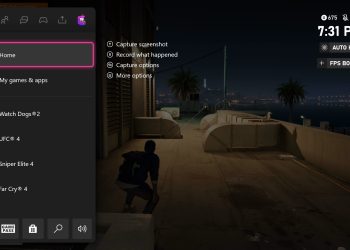
Official Xbox screenshot illustrating the compatibility settings discussed in the FPS Boost announcement

Xbox Smart Delivery is Microsoft’s system for supplying the appropriate supported game version when you move between Xbox One and Xbox Series X|S. For qualifying games, you should not have to buy the same cross-generation entitlement again just to access the optimized console version. But Smart Delivery is not universal: it depends on the game and publisher.

This guide explains the difference between Smart Delivery, backward compatibility and a paid upgrade. It is based on Xbox’s official documentation and does not claim first-hand hardware benchmarks. Information reviewed November 1, 2026.

What does Smart Delivery actually do?

Xbox describes Smart Delivery as a system that detects the supported Xbox device and provides the best available compatible version of an eligible game. A supported purchase on Xbox One can therefore provide access to an optimized edition on Series X or Series S when the publisher supplies it under Smart Delivery. The important qualifier is eligible: a newer version being sold in the store does not by itself establish a free cross-generation entitlement.

Microsoft introduced the system alongside Xbox Series X and made it available to participating developers. The exact release date of an optimized build, available features and installation requirements remain game-specific.

Smart Delivery vs. backward compatibility

Backward compatibility means a supported game from an older console generation can run on newer Xbox hardware. That is valuable even without a new edition. Smart Delivery instead concerns receiving the appropriate version of a game across supported console generations. A backward-compatible Xbox One title does not automatically have Smart Delivery, and a Smart Delivery title may use backward compatibility before its optimized build is released.

For a fuller explanation of old game libraries, read our Xbox One games on Series X and Series S compatibility guide.

How do you check a game’s entitlement?

  1. Open the game’s official Xbox product listing and look for the Smart Delivery feature label.
  2. Check the publisher’s edition page to distinguish a standard game, an optimized version and any separately sold upgrade.
  3. Confirm you are signed in with the Microsoft account that owns the eligible digital license.
  4. If using a disc, confirm your console has a disc drive and that the publisher’s disc edition participates in Smart Delivery. Series S cannot read physical game discs.
  5. Allow the console to download updates, then verify the actual game version before drawing conclusions about graphics or performance.
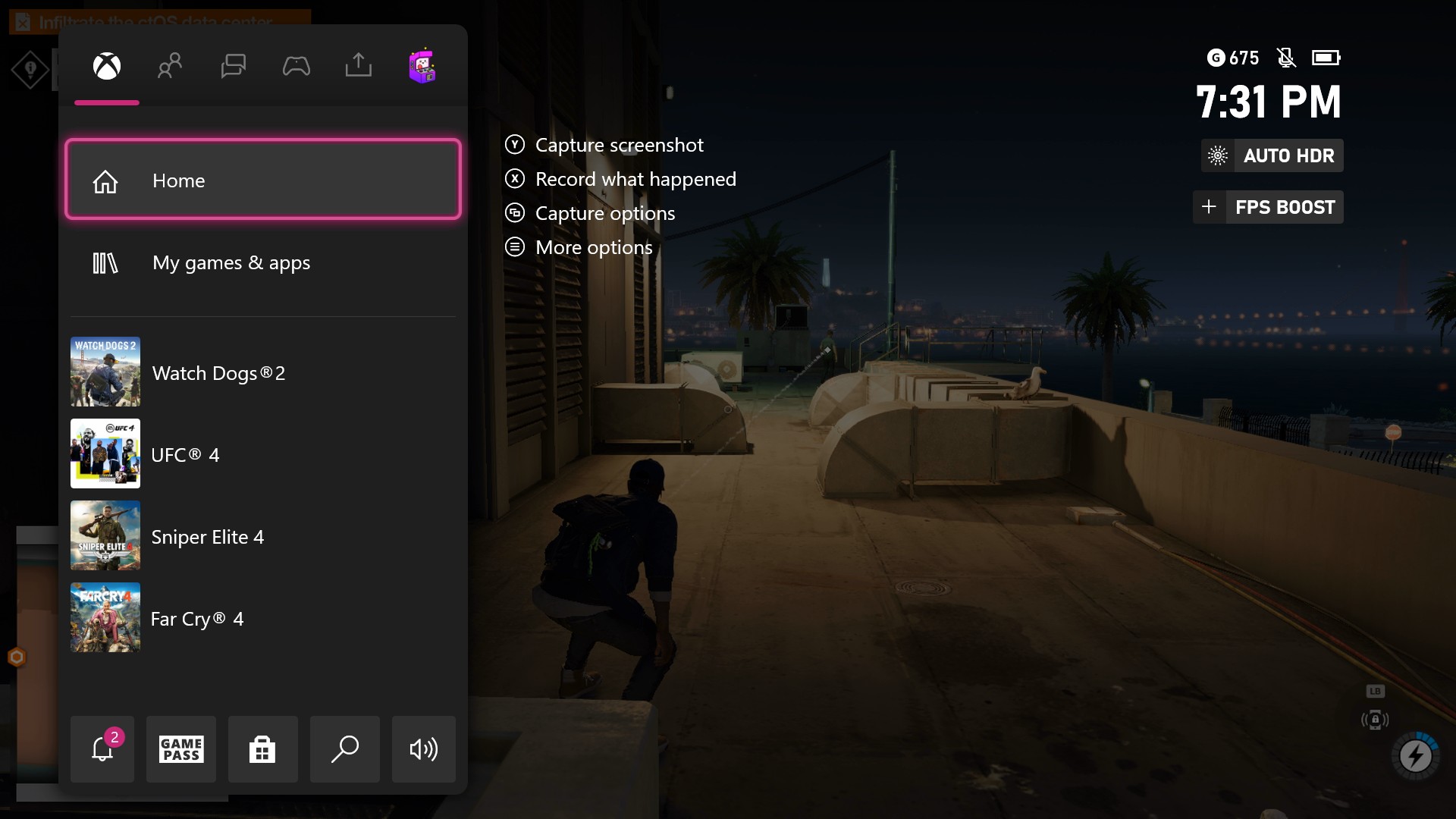
Microsoft Xbox compatibility settings example from Xbox Wire
Microsoft’s official FPS Boost settings example illustrates how backward-compatibility enhancements can be listed separately from Smart Delivery. Source: Xbox Wire (2021).

Is an Xbox Series X|S Optimized label the same thing?

No. The Optimized for Xbox Series X|S label tells you that a game has been built or enhanced for that console generation. Smart Delivery describes the entitlement and version-delivery mechanism. Some optimized games use Smart Delivery; others have separate edition or upgrade arrangements. Treat the labels as related but distinct.

Microsoft’s original 2020 optimized-game announcement lists examples that supported Smart Delivery at launch, including Gears 5 and Ori and the Will of the Wisps. That historical list should not be treated as a complete current catalog; verify the listing of the exact game you plan to buy.

Will your saved progress move over?

Microsoft designed its ecosystem to carry progress forward for supported games, but third-party accounts and individual publisher save systems can introduce additional requirements. Before selling an older console, sign into the relevant account, finish any save synchronization and open the game on the new system to confirm your actual progress is there. Avoid deleting old saves until that test is complete.

What about performance upgrades?

Smart Delivery does not promise 60 fps, a particular resolution or ray tracing. Those outcomes depend on the specific optimized edition, graphics modes, patches and the Xbox model. Use publisher patch notes and current title-specific technical reviews rather than assuming that the label guarantees a measurable enhancement.

Bottom line

Smart Delivery reduces version confusion for supported cross-generation purchases. Before you buy, identify the correct product edition, confirm the feature on the listing, and check your console’s disc capability and save-transfer situation. For more general hardware choices, see our gaming platform comparison.

Official sources

Xbox Wire — What Is Smart Delivery?; Xbox Wire — Technology glossary; Xbox Wire — Optimized launch titles. Product features can change; check the current Xbox Store before purchasing.


Share
Tweet
Previous Post

How to Play Clash of Clans on PC and Keep Your Existing Village

Oliver Hayes

Oliver Hayes

Oliver Hayes covers gaming features, game design and platform developments for Demium Games. His articles explore gameplay systems, progression mechanics, the evolution of game franchises and how design choices shape the player experience. He distinguishes confirmed product details from editorial interpretation and does not claim hands-on testing without documented play.

Leave a Reply Cancel reply

Your email address will not be published. Required fields are marked *

  • Trending
  • Comments
  • Latest
Illustrated editorial banner for Hades II review featuring fantasy combat art and Demium Games 8.8 out of 10 assessment

Hades II Review (2026): Combat, Progression, Story and Our 8.8/10 Verdict

November 1, 2026
Illustration of Nintendo Switch Sports Resort sports and motion controls

Nintendo Switch Sports Resort: All 12 Sports and How the Motion Controls Work

November 1, 2026
Phantom Blade Zero actual gameplay scene showcasing combat parry

Phantom Blade Zero Review (2026): Combat, Bosses, Story and Verdict

November 1, 2026
Gaming controller representing cross-platform multiplayer and cross-play

Cross-Play vs Cross-Progression: What Gamers Need to Know

November 1, 2026
Gaming setup with computer and gaming equipment for choosing a gaming platform

How to Choose a Gaming Platform: PC, PlayStation, Xbox, Nintendo or Mobile

0
Gaming controller representing cross-platform multiplayer and cross-play

Cross-Play vs Cross-Progression: What Gamers Need to Know

0
Illustration of Nintendo Switch Sports Resort sports and motion controls

Nintendo Switch Sports Resort: All 12 Sports and How the Motion Controls Work

0
Illustration of PlayStation Plus November 2026 monthly games

PlayStation Plus November 2026 Games: Dead Island 2, Tomb Raider and Monster Train 2

0
Official Xbox screenshot illustrating the compatibility settings discussed in the FPS Boost announcement

Xbox Smart Delivery Explained: Free Upgrades, Backward Compatibility and Game Versions

November 3, 2026
Official Supercell promotional image for the launch of Clash of Clans and Clash Royale on PC

How to Play Clash of Clans on PC and Keep Your Existing Village

November 2, 2026
Official Hades II character artwork published by Supergiant Games on the game's Steam page

Hades II Controller Not Working on PC? Steam Input and Bluetooth Checks

November 2, 2026
Phantom Blade Zero actual gameplay scene showcasing combat parry

Phantom Blade Zero Review (2026): Combat, Bosses, Story and Verdict

November 1, 2026

Recommended

Official Xbox screenshot illustrating the compatibility settings discussed in the FPS Boost announcement

Xbox Smart Delivery Explained: Free Upgrades, Backward Compatibility and Game Versions

November 3, 2026
Official Supercell promotional image for the launch of Clash of Clans and Clash Royale on PC

How to Play Clash of Clans on PC and Keep Your Existing Village

November 2, 2026
Official Hades II character artwork published by Supergiant Games on the game's Steam page

Hades II Controller Not Working on PC? Steam Input and Bluetooth Checks

November 2, 2026
Phantom Blade Zero actual gameplay scene showcasing combat parry

Phantom Blade Zero Review (2026): Combat, Bosses, Story and Verdict

About Us

Demium Games covers video game news, reviews, guides and gaming culture across PC, PlayStation, Xbox, Nintendo and mobile. We focus on clear reporting and useful editorial analysis. Read more

Categories

  • Beginner Guides
  • Game Guides
  • Game Reviews
  • Game Tips & Tricks
  • Gaming Features
  • Gaming News
  • Mobile Gaming
  • Mobile Gaming News
  • Nintendo News
  • PC
  • PC Reviews
  • PlayStation News
  • PlayStation Reviews
  • PS4
  • Switch
  • Xbox One

Tags

Action Games Action Roguelike Clash of Clans Cross-Platform Cross-Play Game Design Game Guides Game Performance Game Releases Game Reviews Gaming Features Gaming News Hades II Minecraft Mobile Gaming Multiplayer Nintendo Switch PC Gaming PlayStation PlayStation Plus Sports Games Xbox
  • About Us
  • Advertise
  • Privacy Policy
  • Write For Us
  • Contact Us

© 2026 Demium Games. All Rights Reserved.

Welcome Back!

Login to your account below

Forgotten Password?

Retrieve your password

Please enter your username or email address to reset your password.

Log In
No Result
View All Result
  • Home
  • Betting
    • Betting Sites
    • Online Casinos
    • Online Slots
  • News
  • Reviews
  • Game Guides
  • Esports
  • Platforms
    • Mobile Gaming
    • PC Gaming
    • PlayStation
    • Xbox
    • Nintendo Switch

© 2026 Demium Games. All Rights Reserved.